

Use a Private Data Gateway
Use the Public Data Gateway included with the Community control plane by default. Deploy a Private Data Gateway when the public gateway cannot reach a repository on a private network or when snapshot preparation must run within a network managed by your organization.
Check the current organization
Open Insights → Data Gateways. This page lists the Private Data Gateways managed by the current organization. The Public Data Gateway that HyperFileLens selects automatically for a session does not appear in this list.
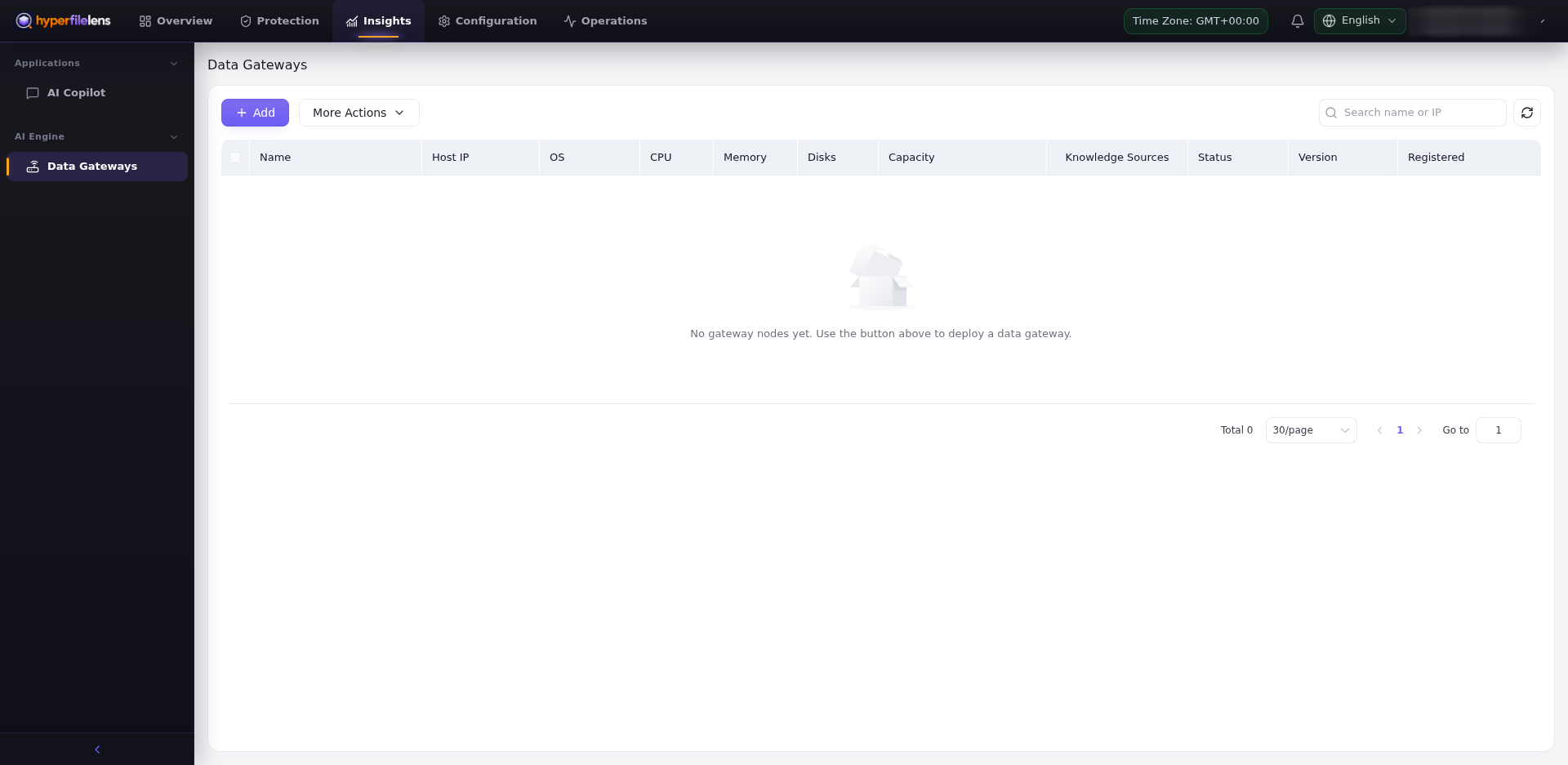
An empty list means that the organization has no Private Data Gateway available for manual selection. It does not indicate whether the Public Data Gateway is available.
Deploy a Private Data Gateway
Select Add. The current deployment page requires an Ubuntu 20.04 LTS or newer amd64 host with at least 2 CPU cores, 4 GB memory, and 50 GB storage. Place the host where it can reach:
- the HyperFileLens control plane over HTTPS/WSS;
- each repository used by Insights, directly or through its Proxy;
- the configured AI model endpoint;
- required DNS, time, and certificate services.
Run the generated command on the intended host as instructed. The enrollment command contains a short-lived registration token and organization information. Treat the entire command as a secret: do not paste it into documentation, GitHub issues, chats, or logs.
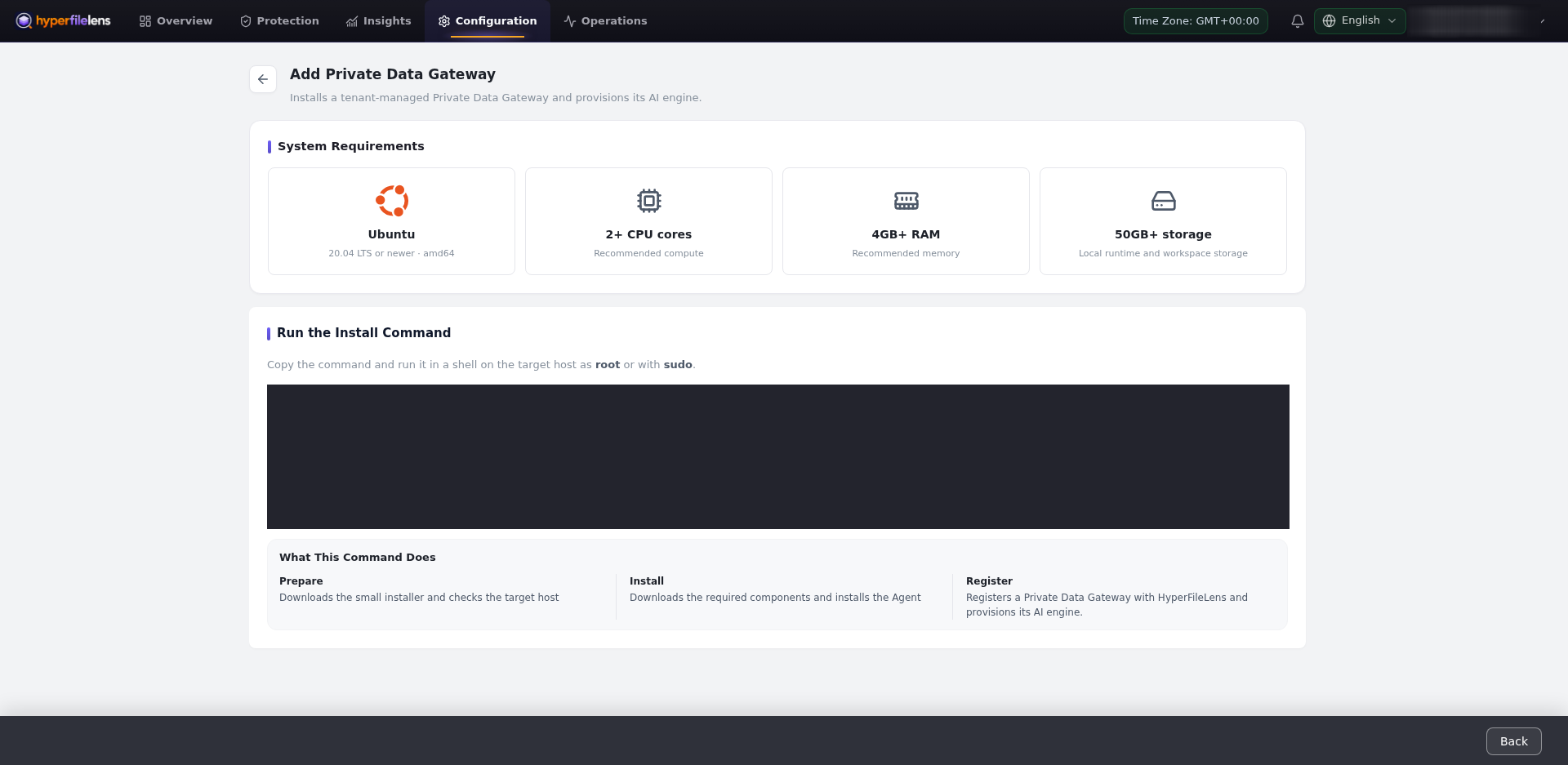
See Deploy a Private Data Gateway and Network and ports for deployment details.
Validate before use
Return to Insights → Data Gateways and confirm:
- the Data Gateway agent and AI engine are online;
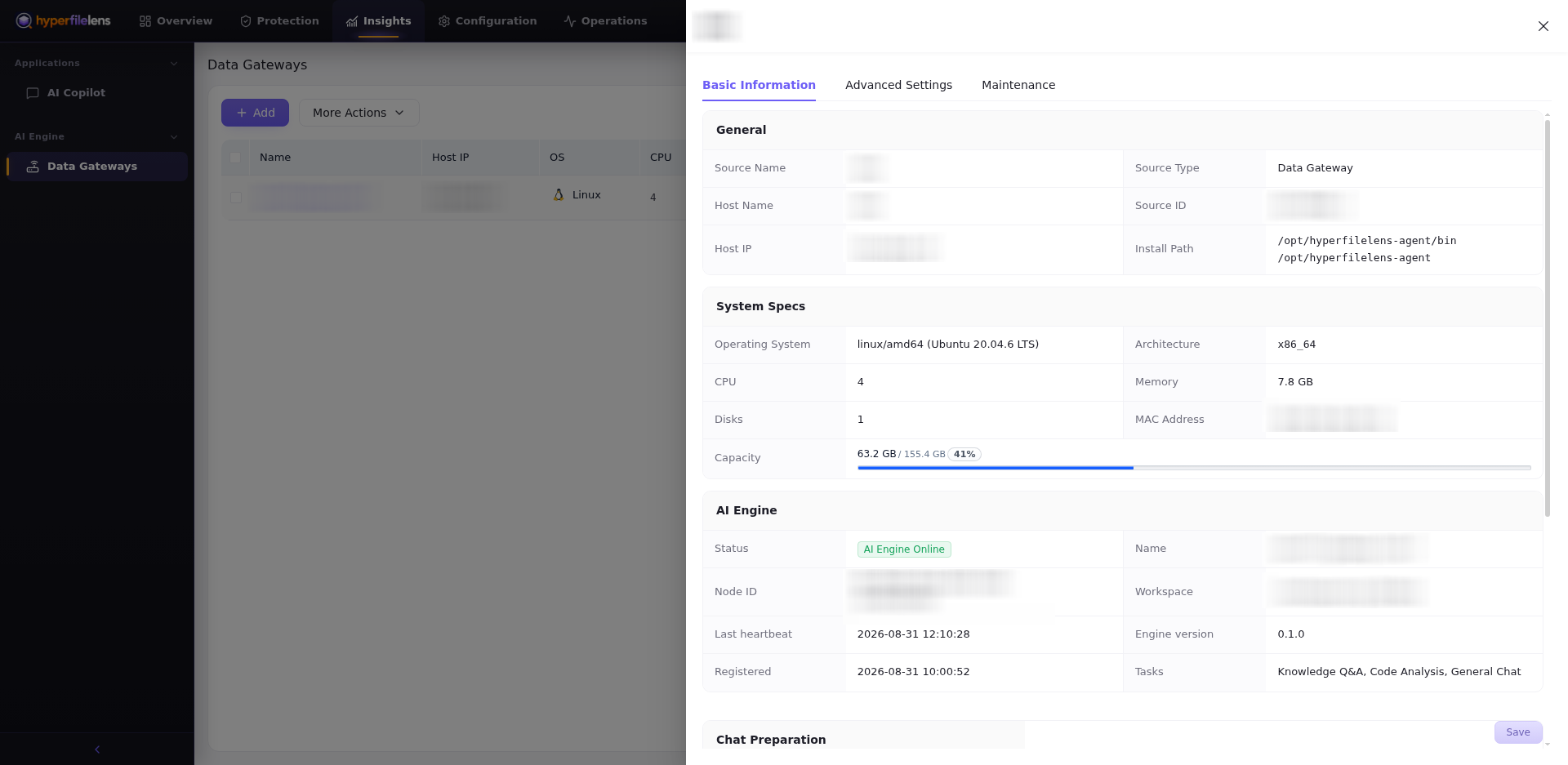
- the OS, CPU, memory, disks, capacity, version, and registration time are reported;
- the host can read the intended repository;
- workspace storage is sufficient for the selected scope.
Open the Data Gateway details and confirm that AI Engine shows AI Engine Online. The detail view also shows supported tasks, the engine version, the last heartbeat, registration time, and system capacity.
Test the Data Gateway
Create a session, select Private Data Gateway, choose the gateway you validated, and wait for HyperFileLens to calculate the selected file count and size. Confirm the snapshot time, one-file test scope, analysis type, and gateway type before selecting Start Chat.
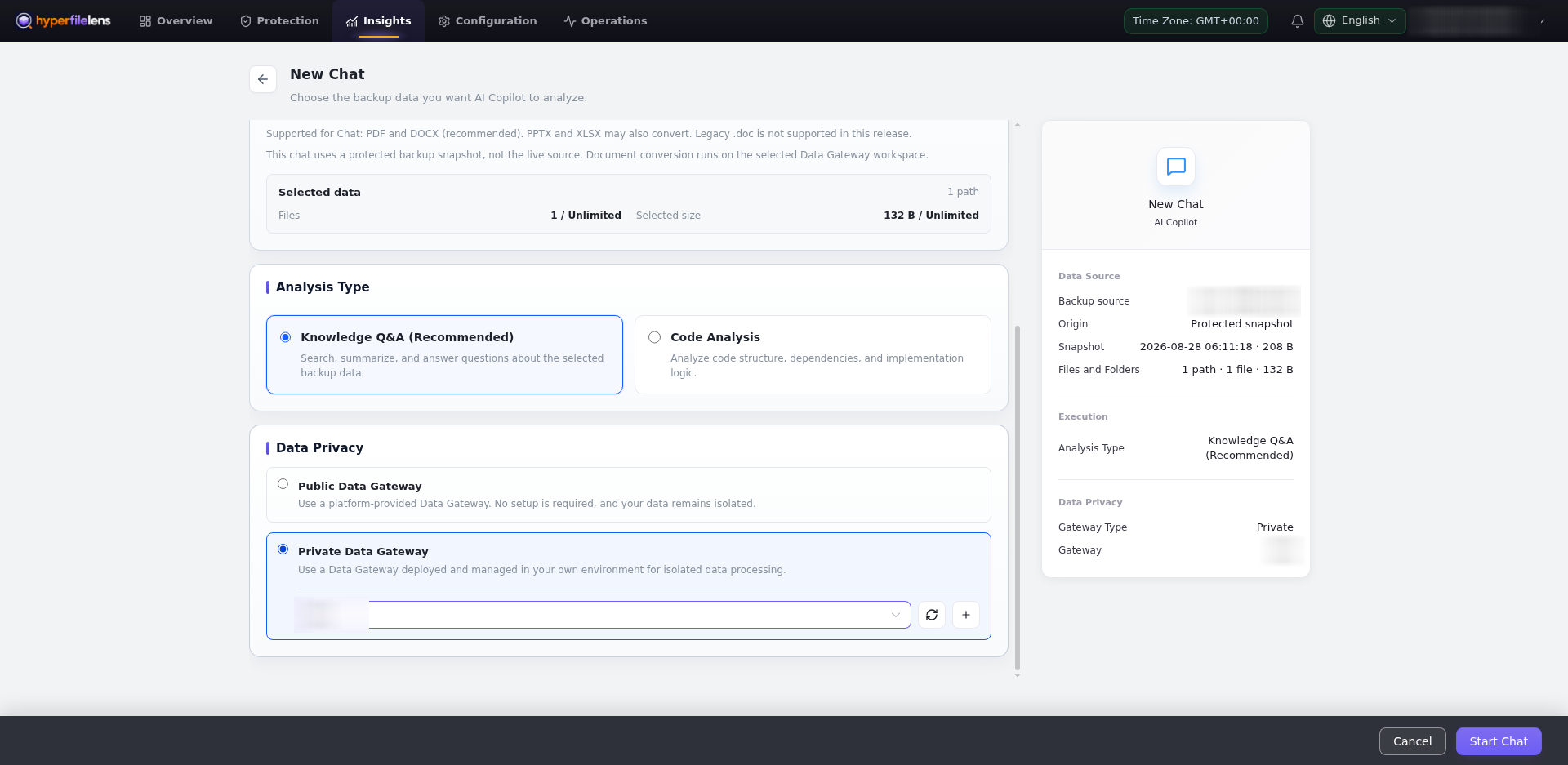
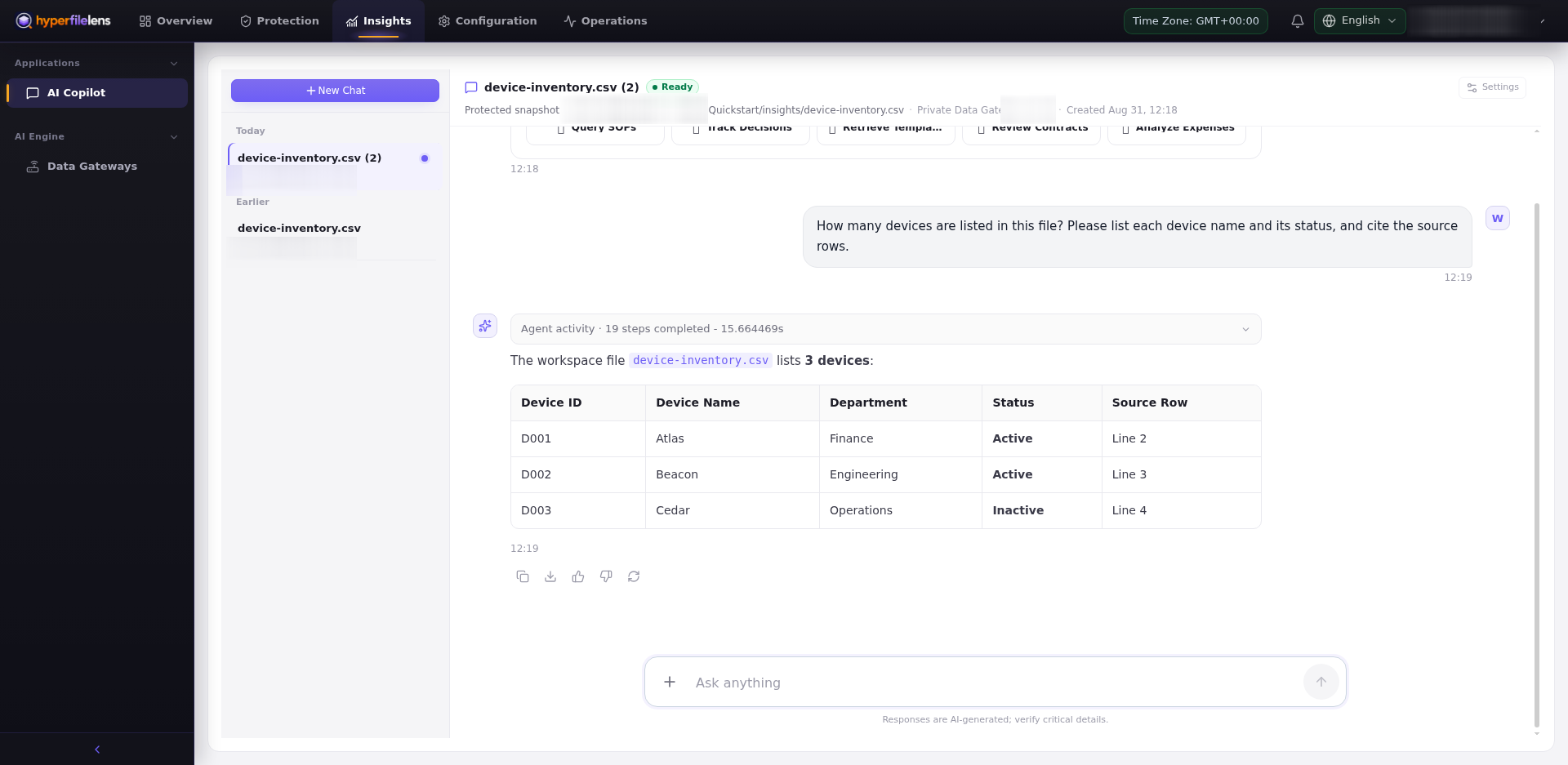
Wait until the session is Ready, then ask a question with a known answer and use the citations to confirm the result.
A Private Data Gateway controls where snapshot restoration and document preparation take place. It does not make an external model endpoint private.