

Session and data scope
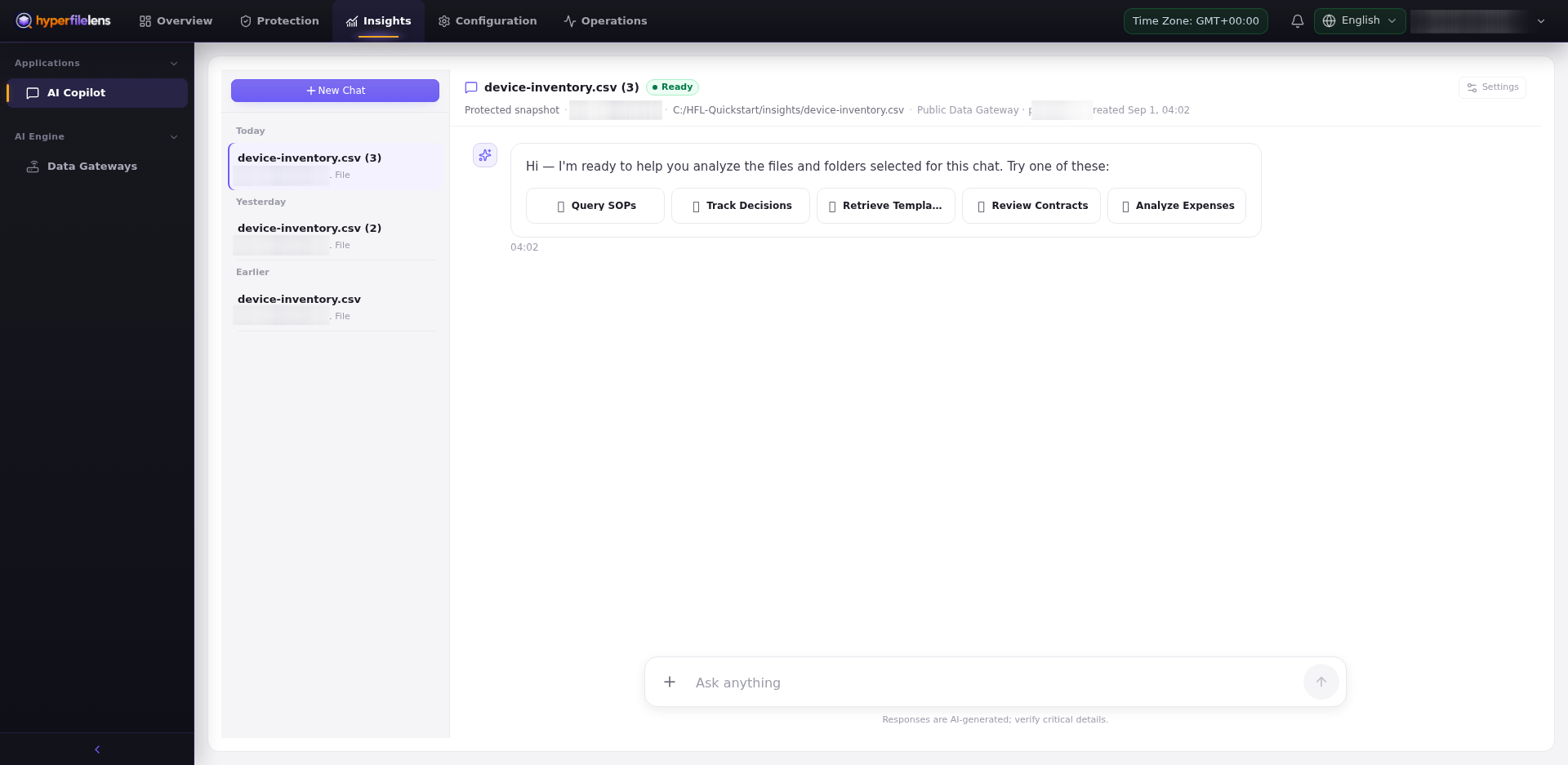
Each session is tied to the backup source, a snapshot, the selected files or folders, an analysis type, and the Data Gateway chosen when the session is created. Renaming a session or continuing the conversation does not change this data scope.
Data flow
- A backup task writes protected source data to the repository.
- The user chooses a specific snapshot and file or folder scope.
- The selected Data Gateway restores and prepares that scope in an isolated workspace.
- AI Copilot and the configured model process the content required for the session.
- The answer can include citations pointing back to the selected snapshot data.
Where content is processed depends on the Data Gateway location, model endpoint, provider, and deployment configuration. A Private Data Gateway keeps snapshot restoration and preparation on that gateway, but it does not make an external model API private.
Verify answers and citations
Return to the snapshot file whenever:
- an answer contains an exact number, date, contract term, or security conclusion;
- selected files disagree;
- a citation does not support the conclusion;
- the snapshot is older than the live production data;
- the answer could trigger a production, legal, or financial action.
Manage history safely
The session list contains previous questions and answers. Before sharing a screenshot, check the session name, question, answer, citations, paths, file names, account, host, repository, and Data Gateway identifiers.
Deleting or renaming a session does not delete its source snapshot. Similarly, deleting a snapshot may not remove logs retained by an external model provider. Apply your organization's retention and access-revocation policies to the account, snapshot, session, Data Gateway workspace, and model provider.